Select to open the settings.
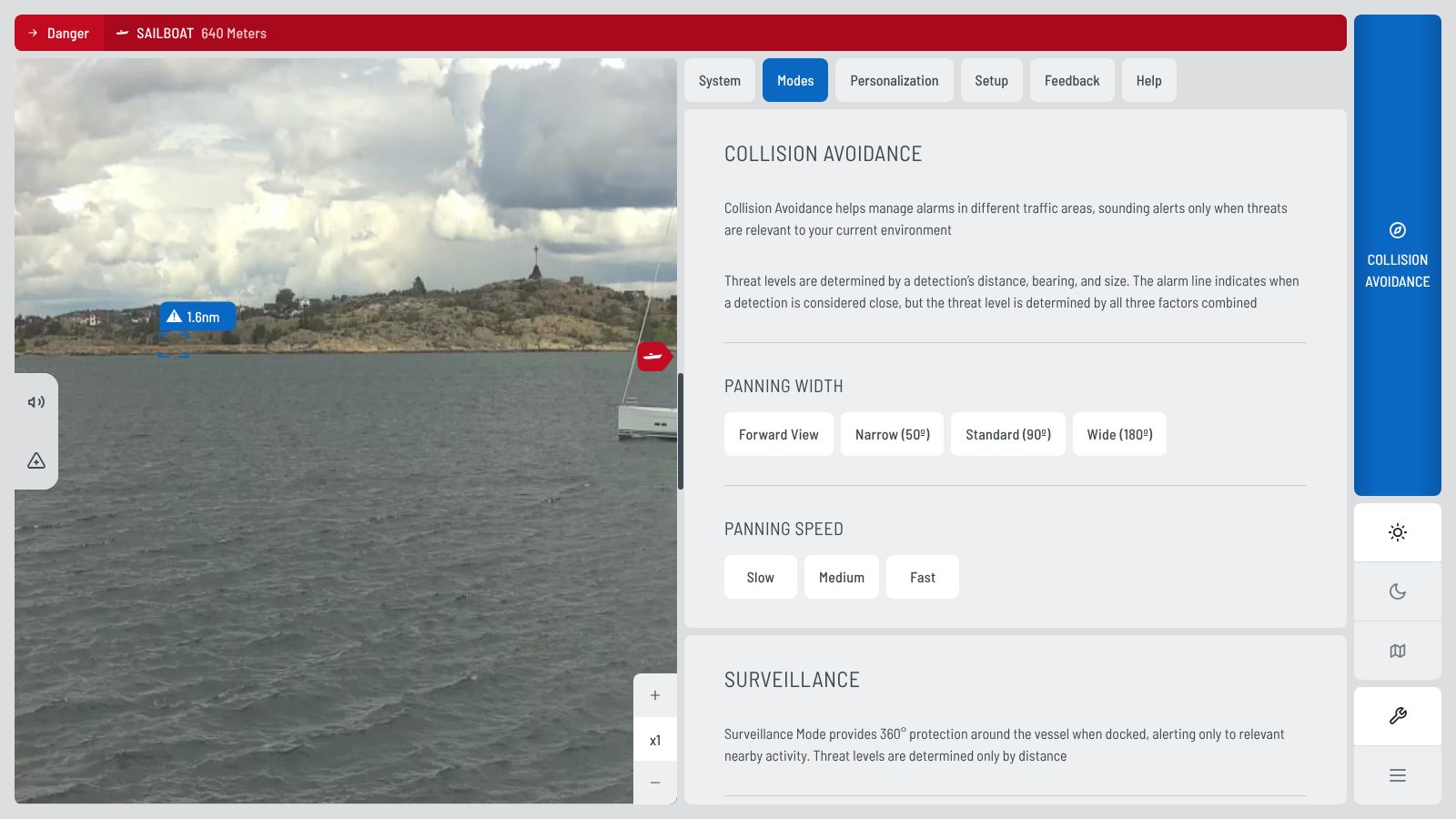
Surveillance distances
In Surveillance, only the distance decides the threat level. Set two distances in Settings › Modes › Surveillance Alerts:
- Danger (red): 50, 100, 200, 300 or 500 m
- Warning (yellow): 100, 200, 300, 500 or 1000 m
The danger distance must be shorter than the warning distance.
TipThermal polarity: Normal shows the shape of objects. Inverted helps to find small objects.
What is in each tab
| Tab | What you find there |
|---|---|
| System | Product ID, software version, software update, storage, recorded data |
| Modes | Collision Avoidance: panning width (50°, 90°, 180°) and speed. Surveillance: panning speed, danger and warning distance. |
| Personalization | Theme (Light, Dark, Night), thermal polarity, display scale, distance unit, sounds (voice, MFD, NMEA 2000) |
| Setup | Language, NMEA gateway, installer login |
| Feedback | How to send recordings, data sharing |
| Help | Contact SEA.AI service |