Download
Watchkeeper software update 4.4-8UPDATE · Install via the app · 12 Oct 2026 · 142 MBDownload
How to update
Updates improve detection. You update Watchkeeper with the SEA.AI app on a phone, tablet or PC. MFDs cannot update.
At home: get the update
You need an internet connection for these steps.
- Update the SEA.AI app to the latest version (App Store, Google Play or PC app).
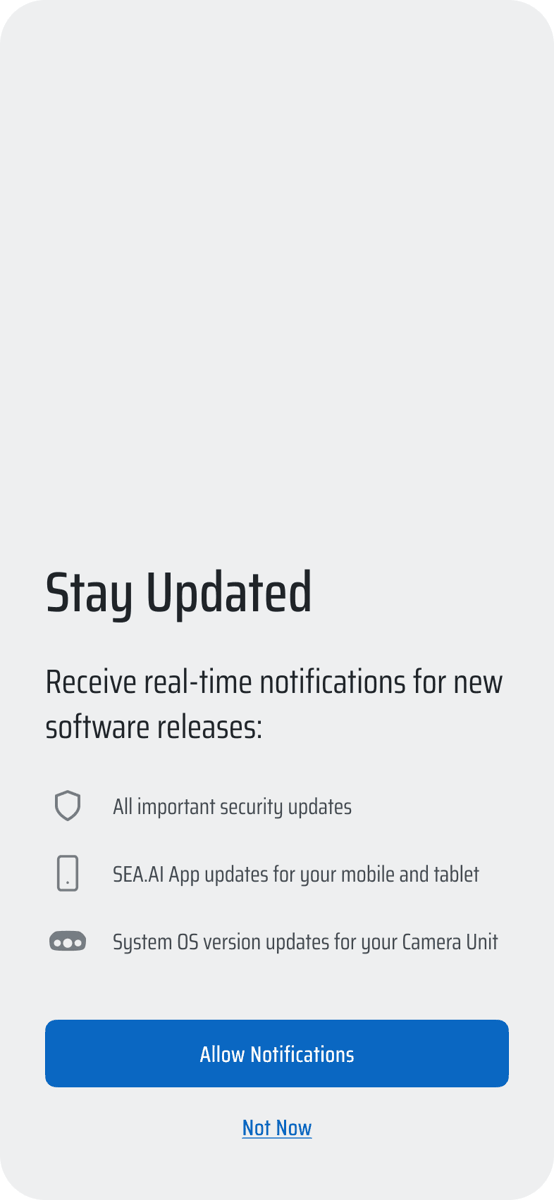
- Open the app. Allow notifications. The app tells you when a new Watchkeeper update is available.
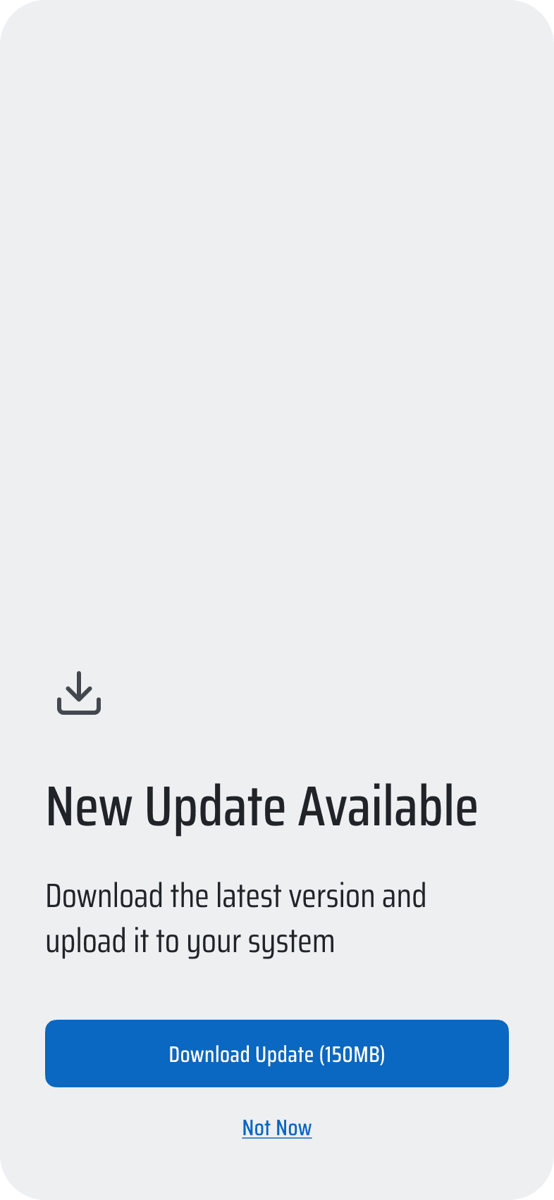
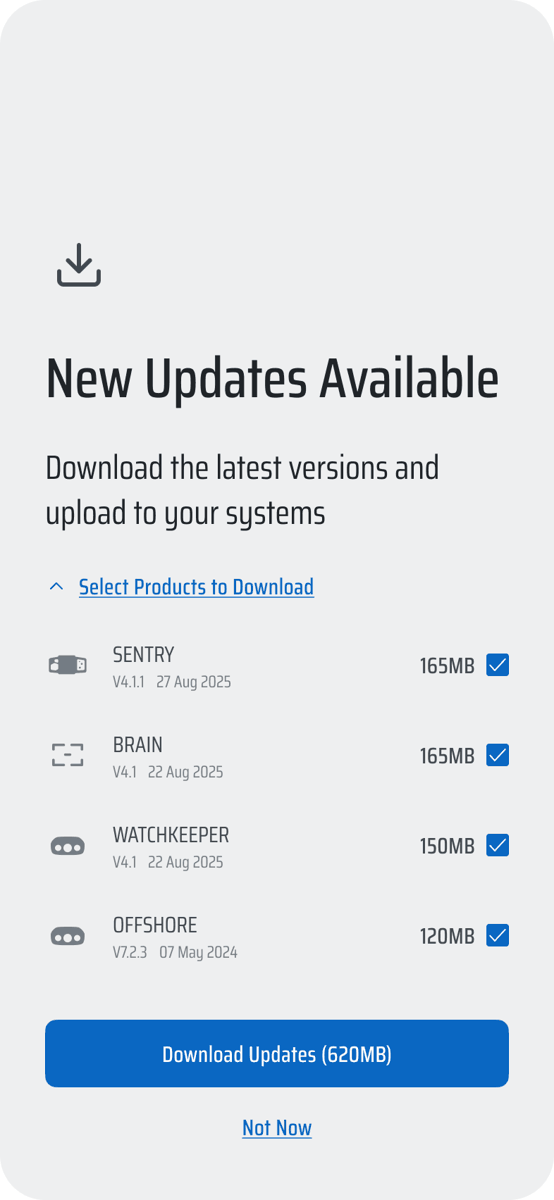
- Download the update file to your device.
On the boat: install the update
- Connect your device to the boat network.
- Switch on Watchkeeper. Wait up to 3 minutes.
- Open the SEA.AI app. It connects to Watchkeeper.
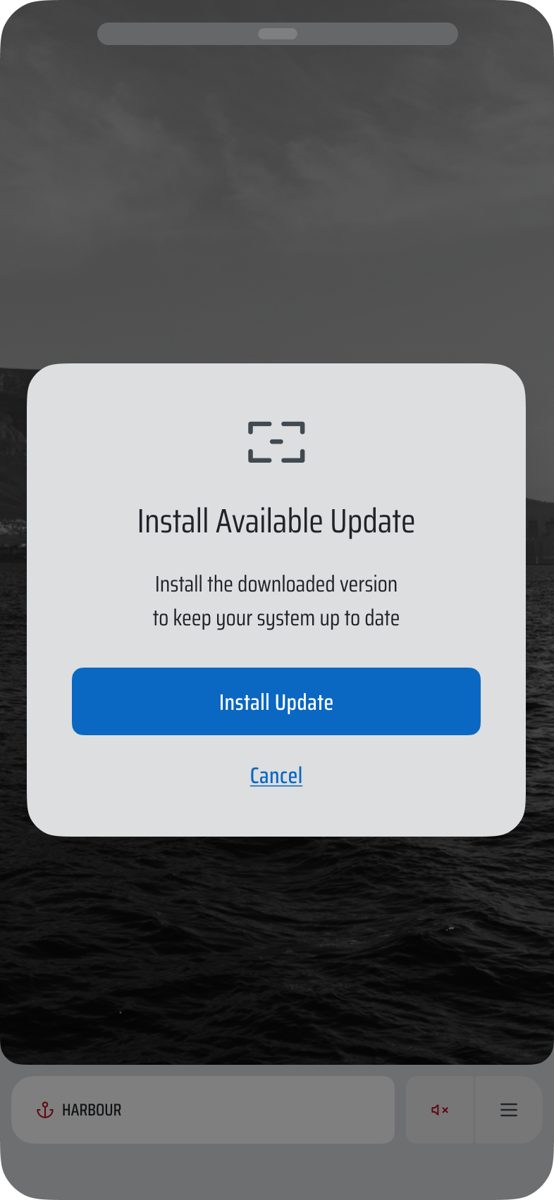
- Choose your systems. Select install.
- Check the new version in Settings › System.
Update from a file
- Download
SEA-AI_WK_x.x-xx.oscarfrom connect.sea.ai. - Settings › System › Software Update › Browse file › Upload File.
- Select Restart Watchkeeper. Check the new version.
Selected file is incompatible: the file is not for this model.
Earlier versions (1)
Watchkeeper software update 4.4-6UPDATE · Install via the app · 12 Oct 2026 · 142 MBDownload